Official Swiss geodata · 26 cantons · from CHF 59
The best Swiss geodata, ready for your CAD.
Cadastre, 3D buildings, terrain and zoning for any parcel in Switzerland — merged from swisstopo and the official cadastral survey into one DXF, IFC or LandXML file. No GIS skills, no account.
Try Avenue de la Gare 1, Lausanne · CH946365899619
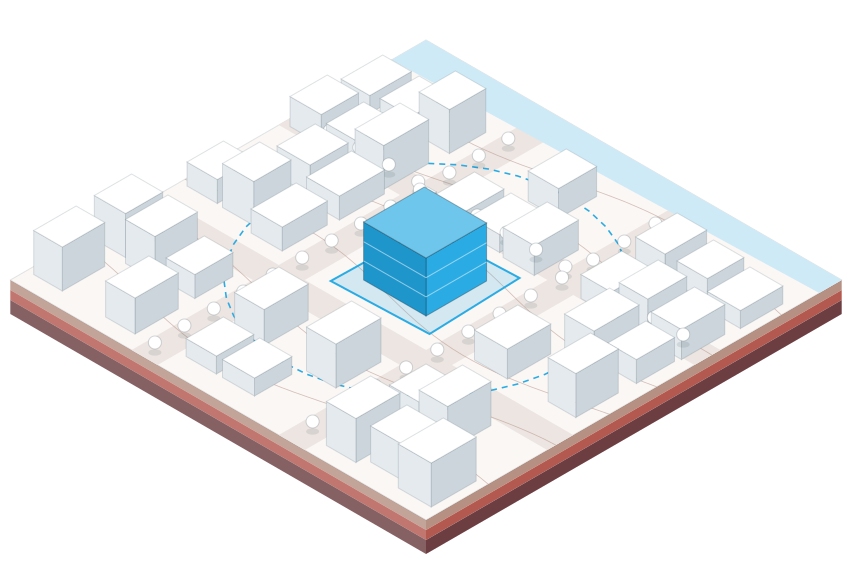 Parcel CH946365899619
swissBUILDINGS3D · LoD2 roofs
Export area 20–300 m
swissALTI3D terrain · 0.5 m grid
LV95 · EPSG:2056
Parcel CH946365899619
swissBUILDINGS3D · LoD2 roofs
Export area 20–300 m
swissALTI3D terrain · 0.5 m grid
LV95 · EPSG:2056
All the layers of your site.
Pick what your project needs. Each one arrives on its own CAD layer, in the right place.

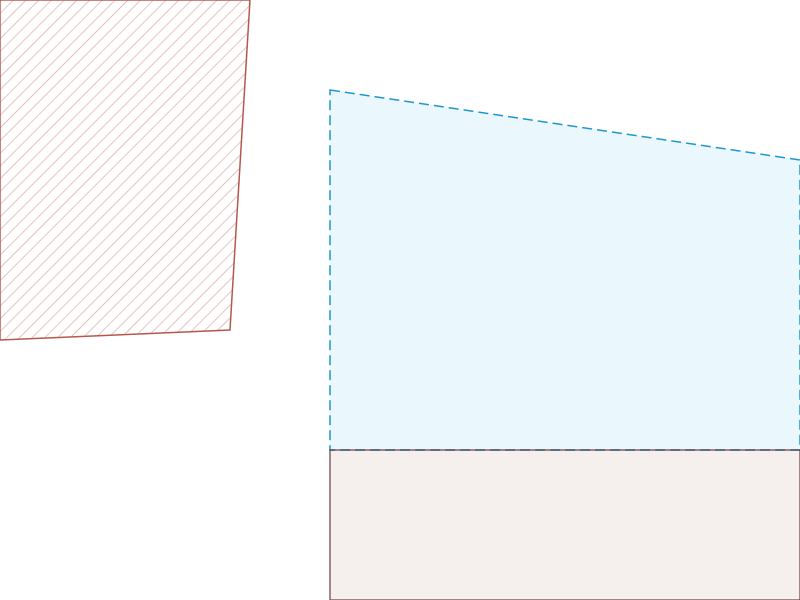

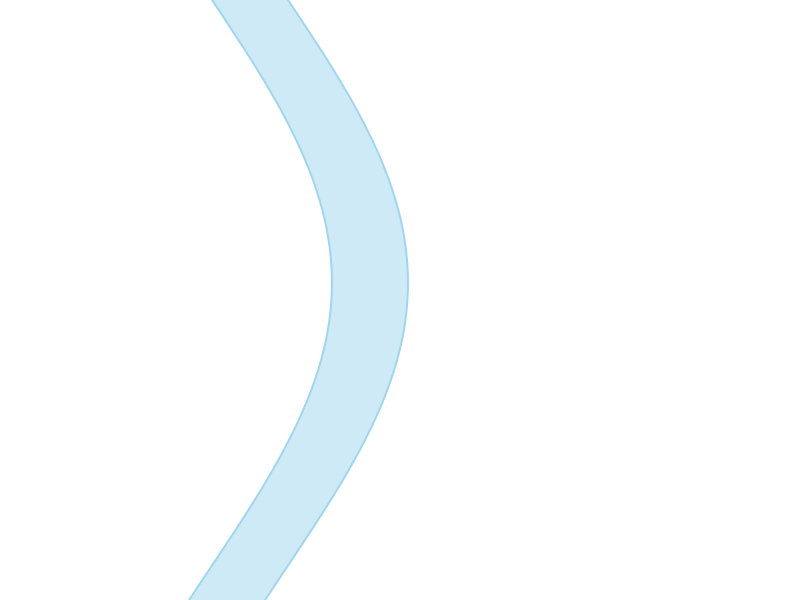
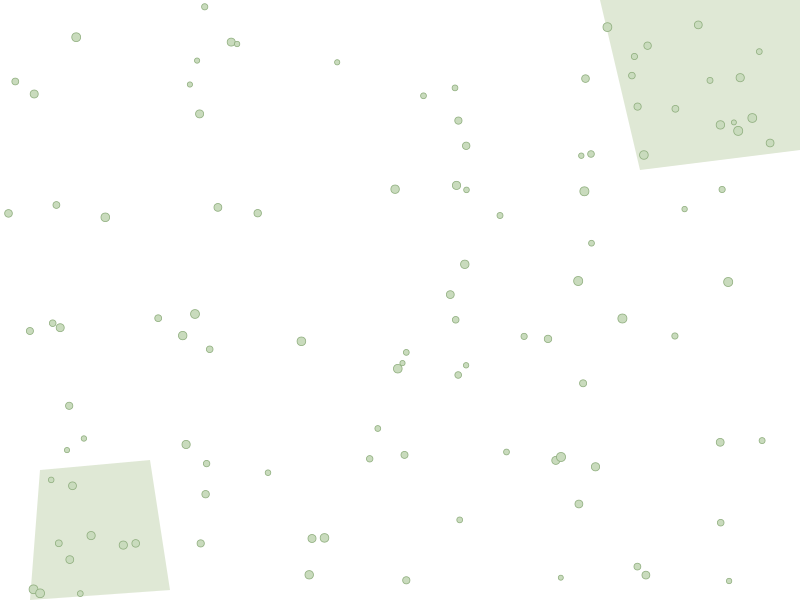
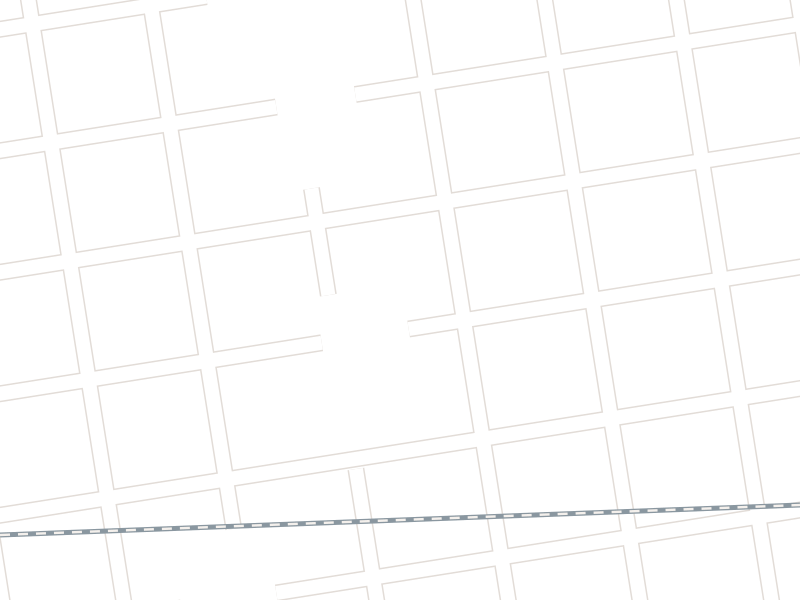
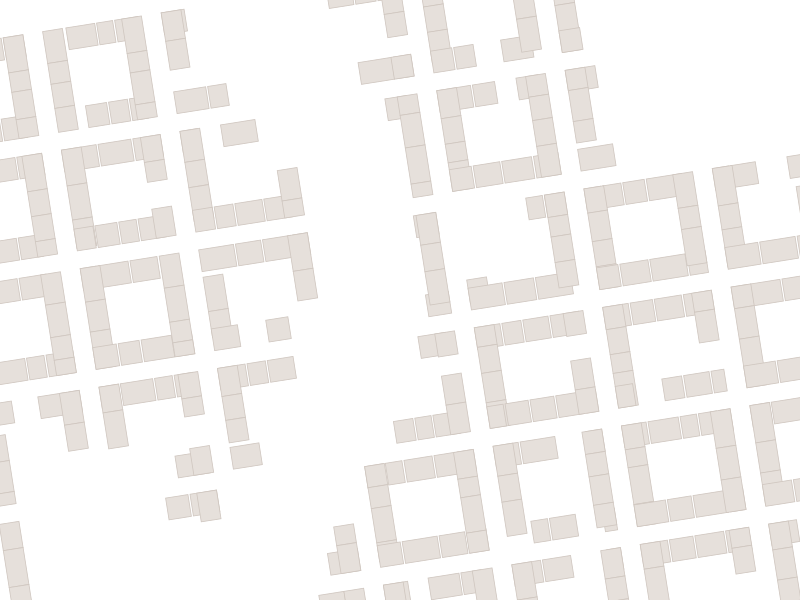
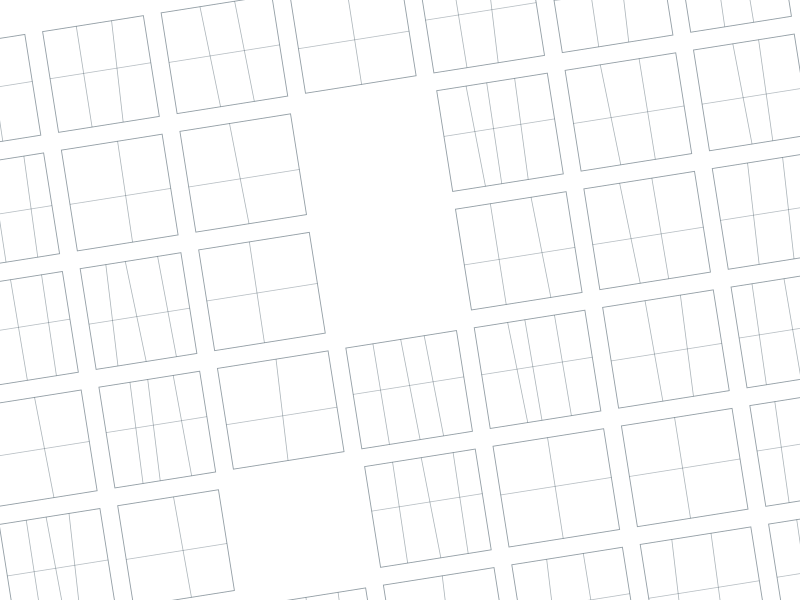
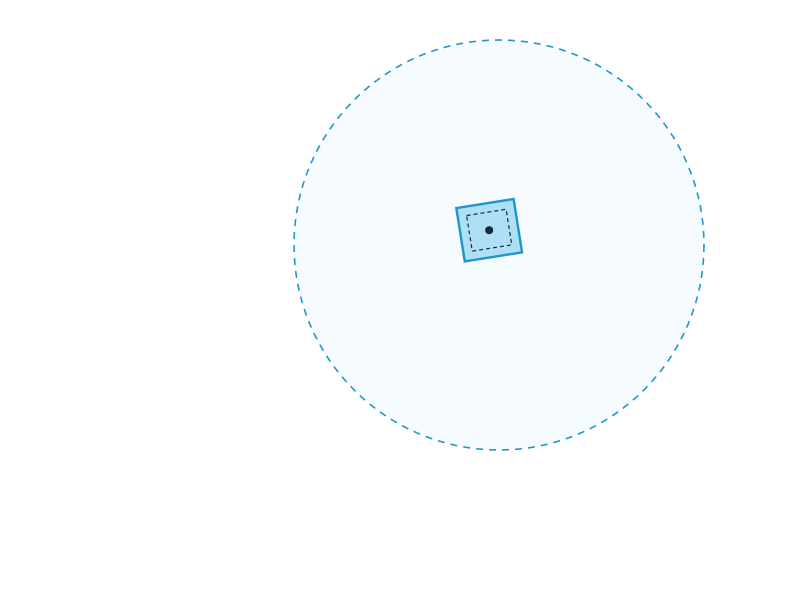 Your parcel · R 100 m
6 of 7 layers on
Your parcel · R 100 m
6 of 7 layers on
- AutoCAD · ArchiCAD · BricsCAD · VectorworksDXF
- BIM readyRevit · Tekla · Allplan · SolibriIFC4
- Civil 3D · InfraWorks · 12dTIN surfaceLandXML
- CloudCompare · ReCap · QGISPoint cloudXYZ · LAS
- Any CAD or GIS underlayOrthophoto 10 cmPNG+PGW
- Ready-to-open bundle + import guideAutoCAD & ArchiCAD.zip kits
All your formats, 2D and 3D.
Each file is built for its target software: structured layers, LV95 reference baked in, nothing to convert. Open it and draw.
Opens in AutoCAD · ArchiCAD · Revit · Vectorworks · BricsCAD · Civil 3D · Tekla · Allplan · Solibri · QGIS
Download a sample fileThe accuracy of the best Swiss sources.
No global approximations. Every export is assembled from federal and cantonal reference datasets — the same data your surveyor and your commune work with.
| Dataset | What you get | Resolution | Publisher |
|---|---|---|---|
| Official cadastral survey | Parcels, EGRID, footprints | survey-grade | Cantons |
| swissBUILDINGS3D 3.0 | 3D buildings with roofs | LoD2 | swisstopo |
| swissALTI3D | Terrain mesh, contours, points | 0.5 m grid | swisstopo |
| swissSURFACE3D | Tree and vegetation heights | LiDAR | swisstopo |
| SWISSIMAGE | Aerial orthophoto | 10 cm | swisstopo |
| swissTLM3D | Roads, rail, water, land cover | 3D vector | swisstopo |
| swissBEDROCK | Bedrock geology | 3D model | swisstopo |
| Zoning & ÖREB cadastre | Zones, restrictions, setbacks | legal reference | Cantons · Popety.io |
Setbacks, already drawn.
Distances from cantonal building rules, drawn as dimensioned offset lines. Adjust them before you order.
- EPSG:2056
Swiss-native coordinates.
LV95 and LN02 heights out of the box. Your file lands exactly where your surveyor’s does.
- 0 accounts
No login. No subscription.
Pay per export with Stripe and download straight away.
Search. Select. Download.
From an address to a CAD-ready file — without GIS software.
-
1
Find your parcel
Search by address or EGRID, or click the map. Adjust the export area from 20 to 300 m.
-
2
Choose your format
AutoCAD, ArchiCAD or IFC. Cadastre, terrain, 3D buildings and zoning are included; set your setback distances.
-
3
Pay & download
Secure Stripe checkout. Your file is generated in minutes and ready to download.
Open a real export, right here.
Loading DXF preview…
Drag to rotate · Scroll to zoom · Right-drag to pan
This DXF export shows cadastral parcels, 3D buildings from swissBUILDINGS3D, the road network, contour lines and vegetation around a Swiss parcel, organised by layer for AutoCAD or ArchiCAD.
Loading IFC preview…
Drag to rotate · Scroll to zoom · Right-drag to pan
This IFC4 export contains 3D buildings from swissBUILDINGS3D with roofs, walls and slabs — ready for Revit, ArchiCAD or any BIM software.
One export, one price.
The price depends only on the size of the export area. You see it before you pay.
CHF 59–119 per export
- AutoCAD, ArchiCAD or IFC package
- Cadastre, buildings, terrain, zoning, vegetation
- Export area from 20 to 300 m
- Import guide for your software
- No account · secure Stripe payment
How is HelveCAD different from downloading data from swisstopo?
swisstopo publishes raw geodata in GIS formats, one dataset at a time. HelveCAD merges the cadastral survey, 3D buildings, terrain, zoning and imagery for your parcel into a single DXF, IFC or LandXML file with named layers — no GIS software or conversion needed.
Which export formats are available?
DXF for AutoCAD and ArchiCAD, IFC4 for BIM (Revit, ArchiCAD, Tekla), LandXML TIN surfaces for civil engineering, XYZ and LAS point clouds, and georeferenced orthophotos (PNG with PGW world file). AutoCAD and ArchiCAD exports come with a step-by-step import guide.
Does HelveCAD cover all of Switzerland?
Yes. HelveCAD covers all 26 cantons with official data: swisstopo for terrain (swissALTI3D), buildings (swissBUILDINGS3D), vegetation (swissSURFACE3D) and imagery (SWISSIMAGE), and the official cadastral survey for parcel boundaries and zoning.
Which coordinate system do the files use?
All exports use the Swiss LV95 coordinate system (EPSG:2056, CH1903+/LV95), the official national reference frame, with heights in LN02. Files land in the right place in Swiss CAD and GIS projects.
Can I order an export with an EGRID number?
Yes. Type the parcel’s EGRID (for example CH946365899619), the unique identifier from the Swiss land register, in the search field. You can also search by address or click on the map.
Does HelveCAD work with Revit?
Yes, through the IFC4 export, the open BIM exchange standard. Models contain IfcBuilding, IfcSlab and IfcWall entities that Revit imports natively. For terrain, use the LandXML export with Revit or Civil 3D surface tools.
How much does an export cost?
A single export costs between CHF 59 and CHF 119, depending on the size of the export area. No account or subscription is needed: pay online with Stripe and download your files. For 10 or more exports a month, Popety.io offers integrated access.
Can an export replace a licensed surveyor’s plan?
No. Exports are built from official reference data and suit feasibility studies, competitions and design work, but they are not a certified survey. For legally binding boundaries, work with a licensed engineer-surveyor. Setback lines are informative.
Your next site plan
starts with an address.
From CHF 59 · no account · delivered in minutes